
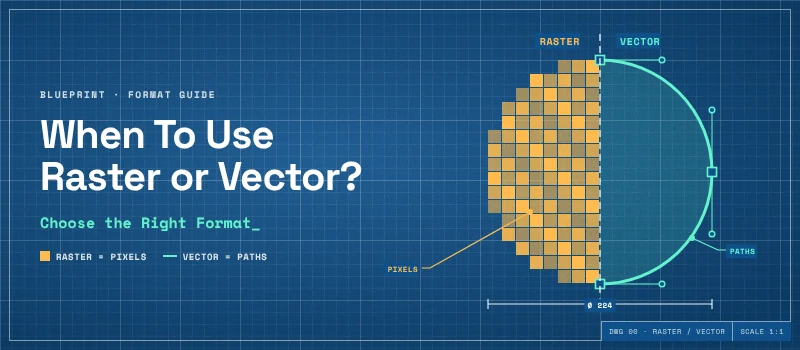
Choosing between a raster and vector file isn’t rocket science. You must pick the right format to make the best use of the image. The right choice depends on your requirements. A photograph is normally saved in a raster format.
A company logo benefits from being a vector. Understanding the difference helps you avoid blurry prints, difficult edits, and unnecessary file limitations. We will help you choose when to use raster or vector based on the project requirements.
Also, you can convert the raster image using our raster to vector service if needed.
What’s the Difference Between Raster and Vector?
First of all, you need to understand the difference. A raster image is made from a grid of individual pixels. Each pixel contains color information. Together those pixels create the complete image. JPG, PNG, and GIF are common raster formats.
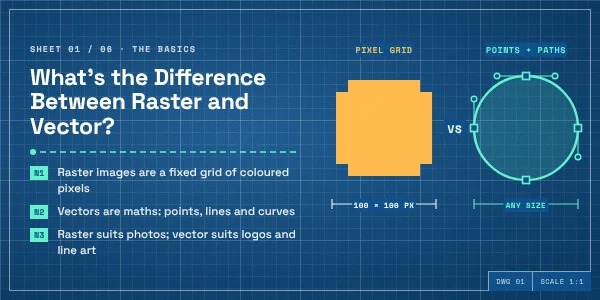
A vector image is built from paths, curves, points, and shapes. They don’t store tiny colored pixels. The file stores instructions. AI, EPS, SVG, and PDF files contain vector images. This difference becomes particularly important when you resize an image.
When Should You Use a Raster Image?
Pixels become visible when you enlarge a raster image. It produces soft and jagged edges. A properly created vector can be scaled from a small icon to a large sign.
You can do that without losing the sharpness of its paths. That doesn’t make one format better for all projects. They are created for different kinds of work.
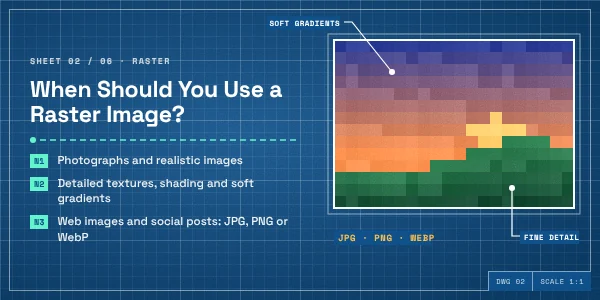
Raster image is the natural choice when your artwork depends on detailed color information, texture, lighting, and a photographic scene. A photograph can contain thousands of colors, shadows, skin tones, reflections, textures, and tiny changes in light.
Representing all of that with pixels is a better choice. For everyday photography, JPG is used for raster images.
When Should You Use a Vector Graphic?
Vector Graphics are required for clean edges, flexible sizing, editable shapes, and artwork reused across different applications. You should use vector graphics for logos and brand marks. A logo is the best use of vector artwork.
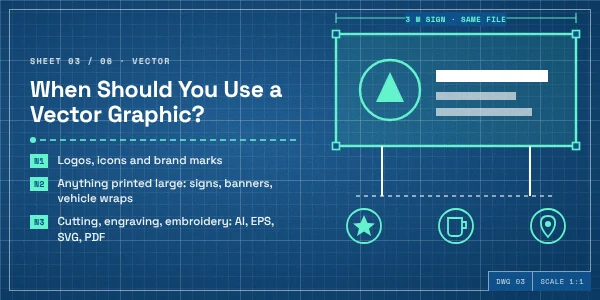
Your logo appears on a business card one day and a big sign the next. It needs to be placed on packaging, uniforms, websites, promotional materials, and vehicle graphics.
A vector version gives you more freedom to change its size without introducing the pixelation. It also allows a designer to work with the individual paths, shapes, and elements.
A vector is also needed for printing at different sizes. Print projects benefit from vector images when the design needs to appear at different dimensions.
Vector graphics avoid resolution limitations. Icons, line drawings, diagrams, flat illustrations, and graphics are built from shapes. That makes it easier to modify individual elements.
Can You Use Raster and Vector in the Same Project?
Many modern designs use both formats rather than choosing one specific format. Let me give you an example. A product advertisement contains a vector logo, vector text, and icons.
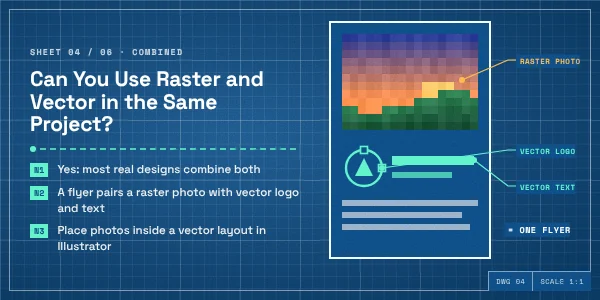
Also, it contains a high-resolution product photograph. A website could use SVG icons along with displaying JPG photographs.
Also, product packaging combines vector typography with raster product images. There’s no rule for an entire project to use only raster or only vector. The better approach is to use each format based on the project requirements.
The logo needs to remain sharp at different sizes? Vector is a good choice. The background is a detailed photograph? Raster is more appropriate.
What Happens When You Enlarge a Raster Image?
At this stage, many people discover the limitations of raster images. For example, you have a small JPG logo. It looks fine on your screen. The image is displayed close to its original dimensions. Now, you need that same logo on a large banner. You need to increase the image dimensions.
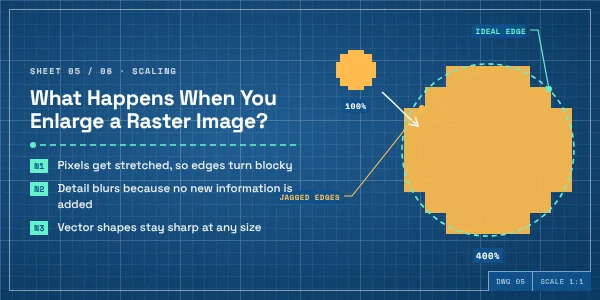
It doesn’t create the missing visual information. As the image gets larger, edges become visibly pixelated. This is different from changing the dimensions of a vector file. A vector doesn’t need to change new pixels. The software recreates the paths at the new size.
When Should You Keep Your Images as Raster?
Vector isn’t the best solution for every project needing higher quality. There are some situations where keeping the original raster image is appropriate.
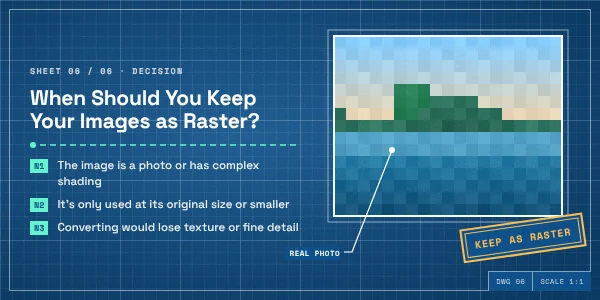
Turning a detailed photograph into vector paths can produce an entirely different type of image. The same applies to highly textured realistic images.
You might have a raster image that is already large enough. You can get it in high resolution for its intended use. If you’re using a photograph on a website at its appropriate dimensions, there is no need to convert it. So, you have to make the choice based on the requirements.
Sum Up
At this point, you should have a clear answer on when to use raster or vector. Raster and vector graphics solve different problems. Raster is suited to photographs, realistic artwork, and visuals.
Vector is useful for logos, icons, illustrations, line art, and other designs. The suitable format totally depends on how the image will be used.
If you have an existing raster logo you want to convert into vector, you can get it with the help of our Raster To Vector Service. We manually recreate a raster image into a clean vector file. It preserves the important elements of the original image.
FAQ’s
Is a JPEG a raster or vector?
A JPEG is a raster image. It is a common raster format. If you save a vector image as JPEG, it will be converted as a raster image.
How to tell if an image is raster or vector?
You can tell if an image is raster or vector by zooming in closely. Also, you can check the file properties. If the image resolution is the same after zooming in, it’s a proper vector file.
Is SVG a vector or raster?
SVG is a vector graphics format. But the quality of the vector file will depend on how the vector file is created. You can save the vector file as SVG format.